Session flow
Remote EMDR waiting room & session flow
Every therapist gets one unchanging client link. Clients join your virtual waiting room with a name only — no account and no install — and you admit them when you are ready.
Your permanent link
On first sign in you choose a unique Waiting Room Name (for example JohnSmith if available). Clients use a link like emdrmatters.com/JohnSmith. You can copy it from your dashboard and reuse it for every session.
How a session typically runs
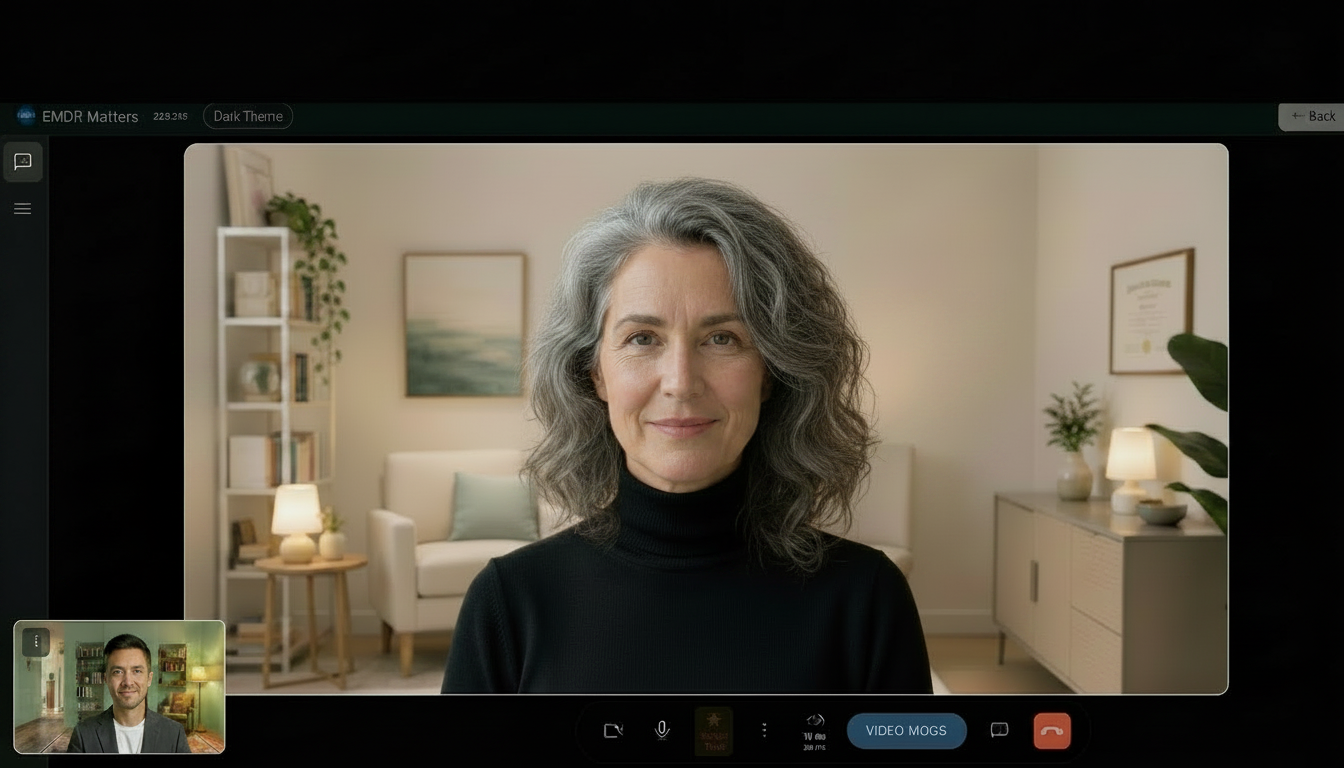
- Waiting room — Client opens your link, enters their name, and waits. You see them waiting and admit when ready.
- Video mode — Familiar 1:1 face-to-face call. Use this for check-in and preparation.
- BLS mode — Switch when you are ready for processing. The client still sees you; the animation appears only after you press Start. Stop returns them to a calm video view.
- Adjust during sets — Change speed, pattern, and colours as needed. Clients can mute BLS audio on their side and can stop BLS locally, but they cannot start it.
- End session — Close with video if you wish, then end the session so temporary session information can be removed from our servers.
Practice without a client
Use the interactive demo to rehearse layout, controls, and BLS before your first live remote session.