Online EMDR therapy with video and bilateral stimulation in one app

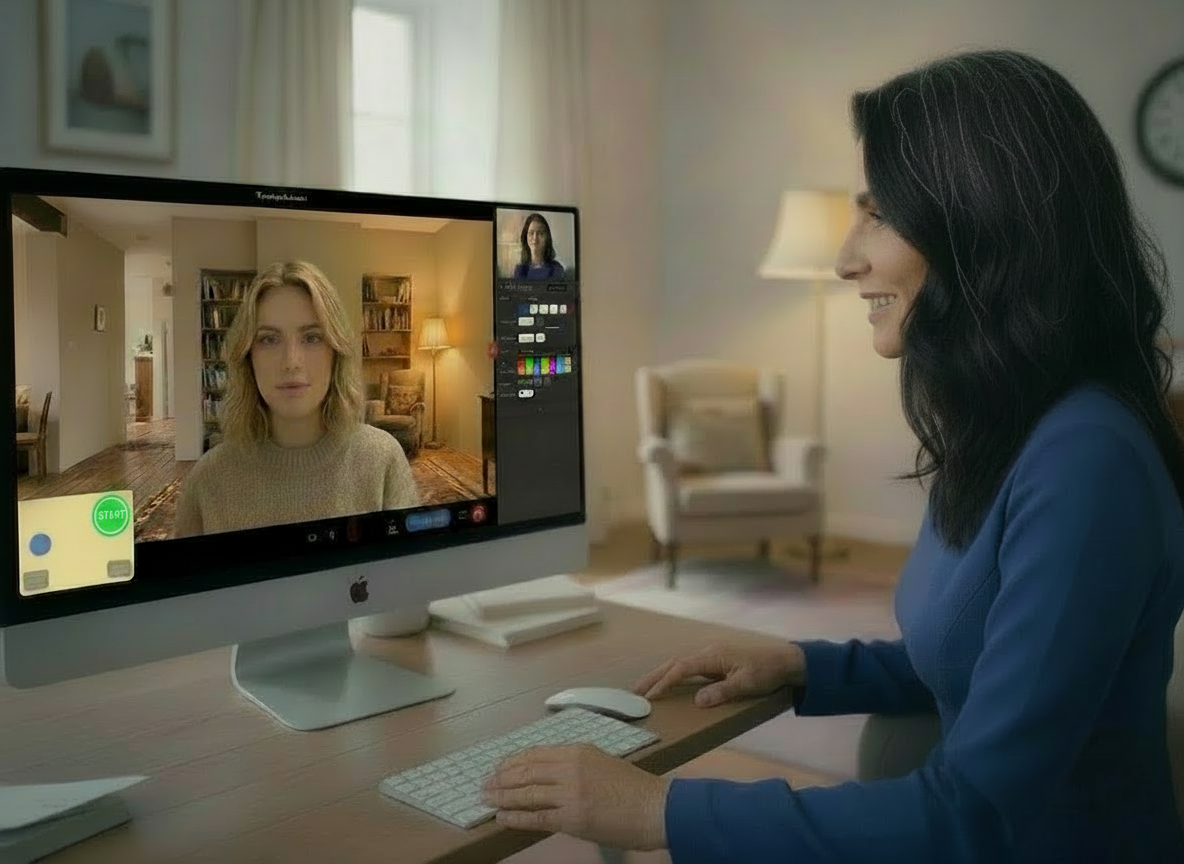
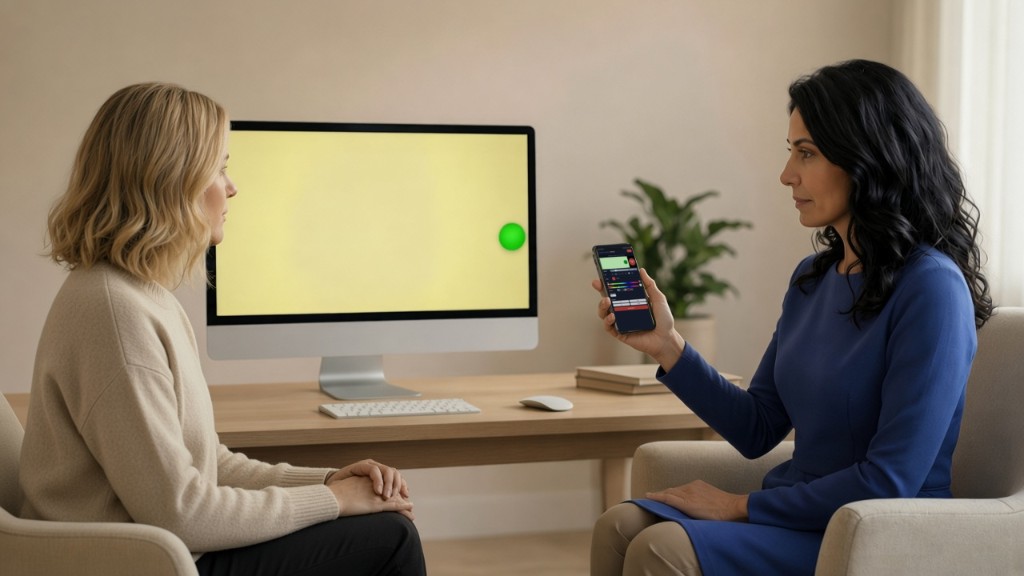
One app for 1:1 video sessions and integrated EMDR tools. We focus on calm session flow and therapist presence. The moving ball and tones run on the client's phone or computer — not as a shared screen — so eye tracking stays smooth to avoid eye fatigue.

Free to use. Donations and subscriptions are optional ways to support app development.

You sign in (free) to get your personal, permanent and reusable client link (e.g. emdrmatters.com/YourName). Clients join with their name only — no account for them.

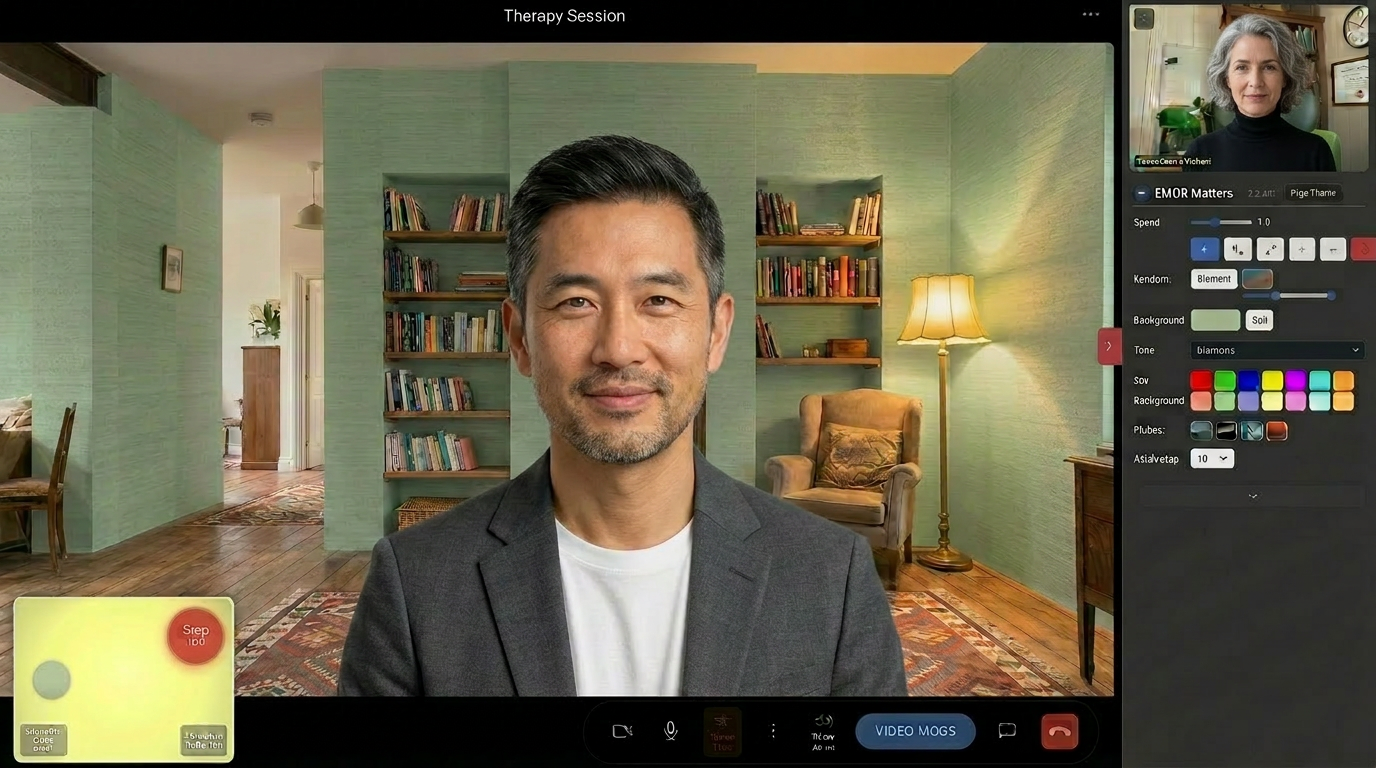
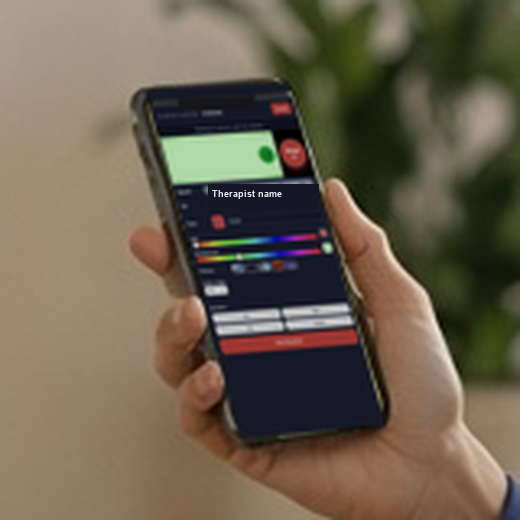
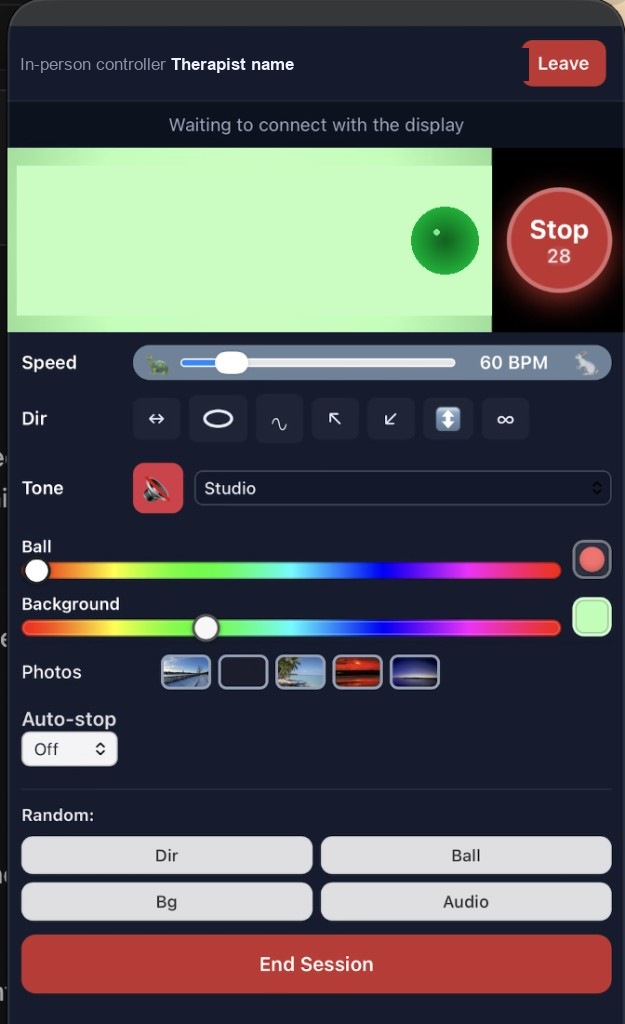
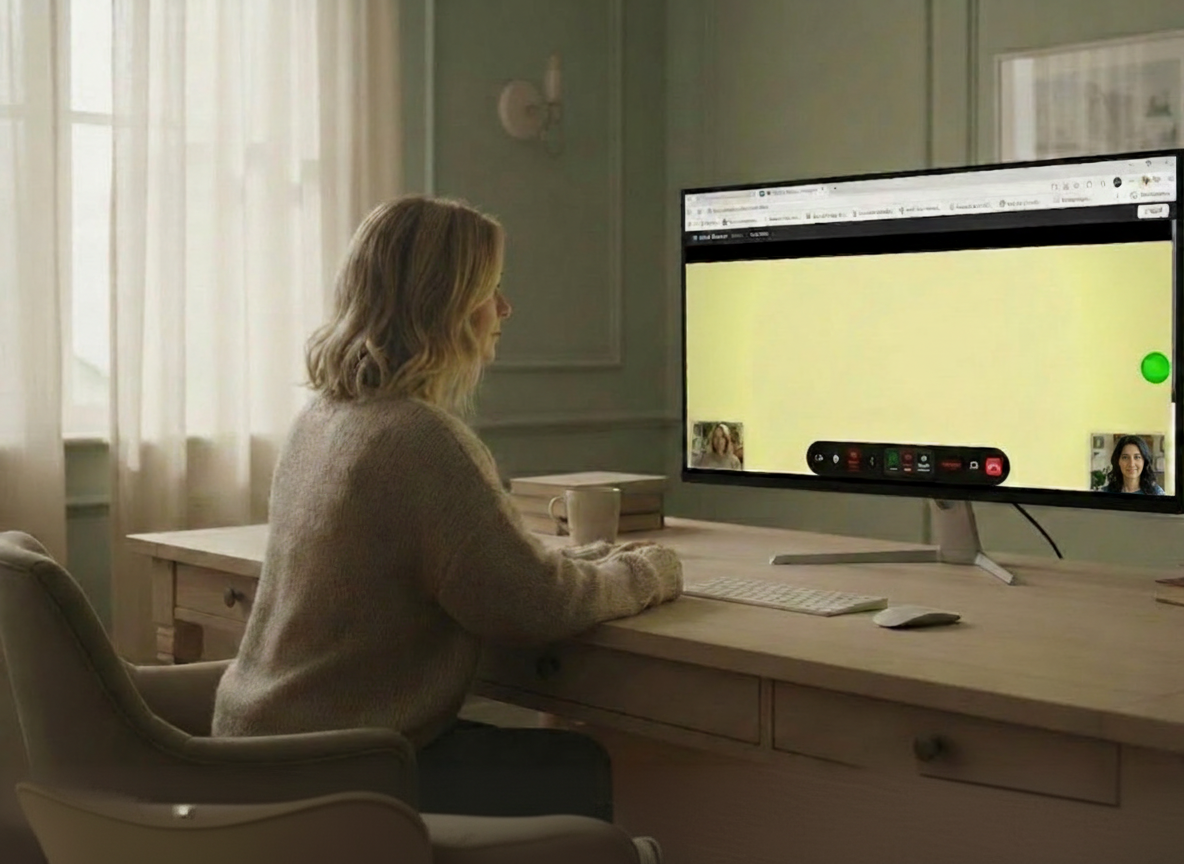
Example therapist view in an online EMDR video session with bilateral stimulation controls Your client's video
Try Me

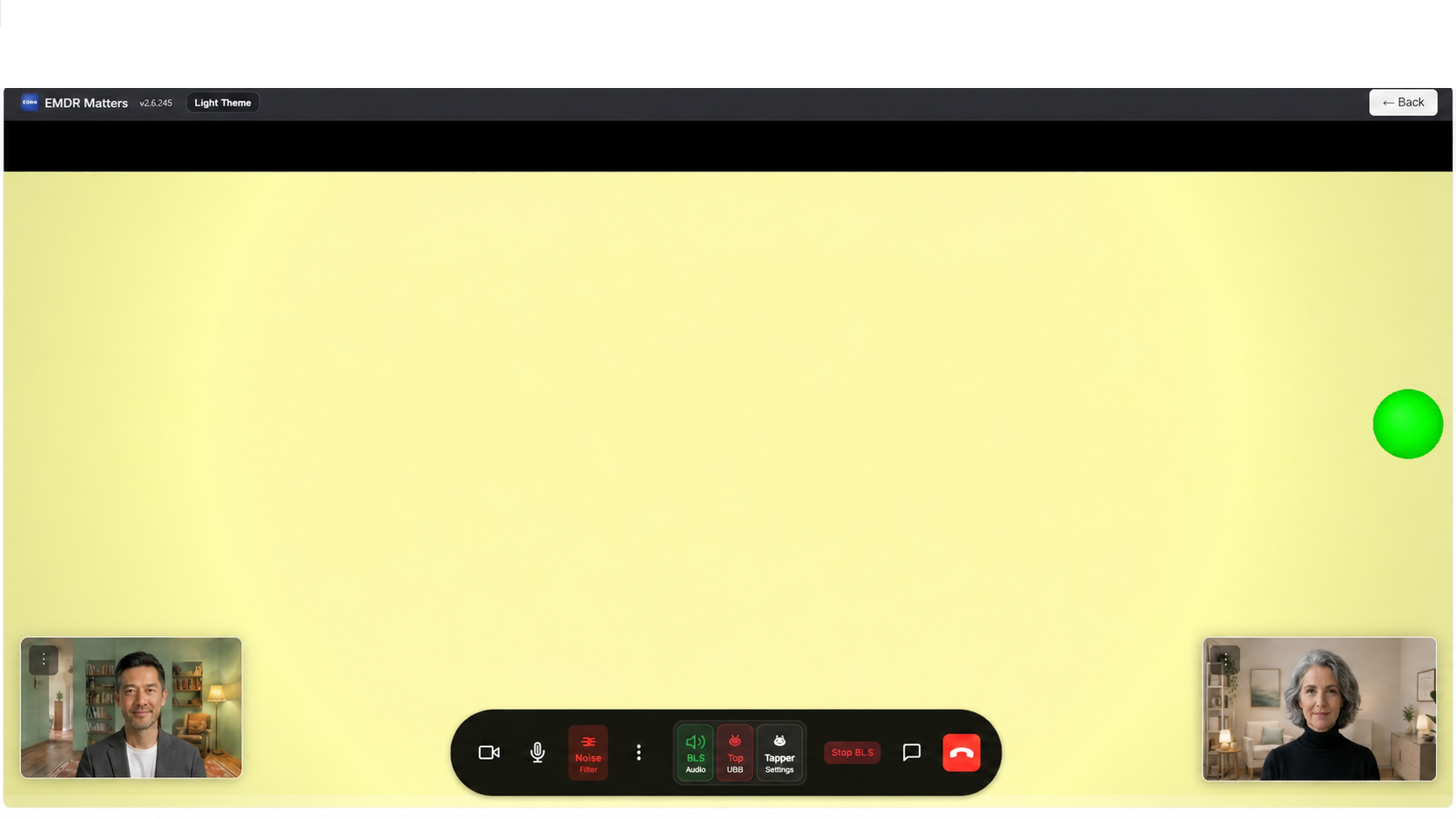
Smooth bilateral stimulation (BLS) on the client's device

The ball, tones and future tappers run on the client's phone or computer for steadier eye tracking.

Video and bilateral stimulation (BLS) in one tab

Move from face-to-face connection into the stimulation screen without juggling screen share.

Privacy-minded by design

No session recordings or clinical notes database — only what is needed to run the session.

Simple to use

Send one link. The client enters a name, waits, and joins when you admit them.

Simple join experience

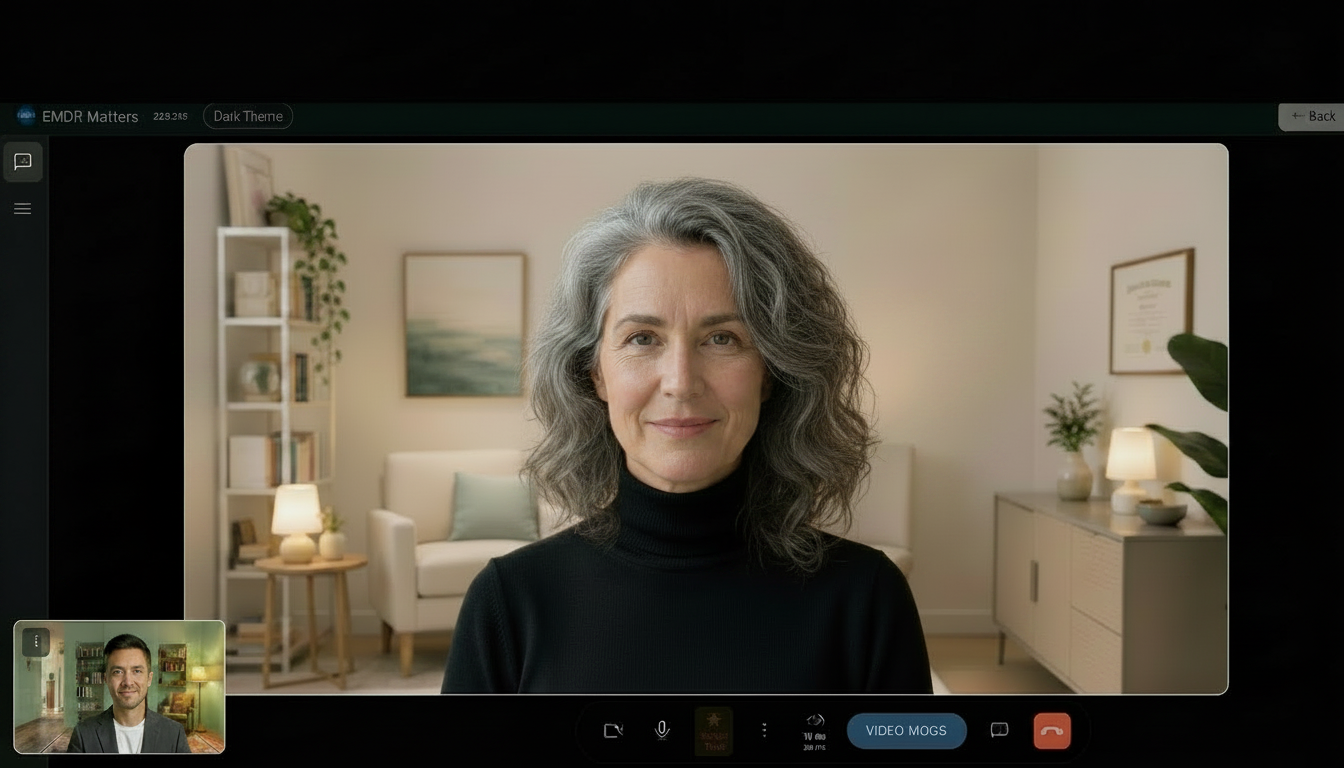
Your therapist sends a link. You enter your name and wait to be admitted. When it's time for bilateral stimulation, the ball and tones appear on your screen — controlled by your therapist.

We do not record your session or store a clinical file about your therapy on our servers.

Example client view in an online EMDR session with bilateral stimulation and a small therapist video Your video (client)
Try Me

Trauma-informed stages — aligned with how EMDR therapy works online

Standard EMDR work moves from rapport and target work through bilateral stimulation (BLS) — eye movements, tones, or tapping — then desensitisation, reprocessing, and closure. EMDR Matters supports that pacing online: connection before intensive stimulation, room to adjust during a set, and a clear end to the session (not a sudden video drop-in).

  1. Waiting room — Client opens your link, enters their name, and waits until you admit them — like a reception area, not an instant video ambush.
  2. Video mode — Face-to-face visibility and voice for rapport and readiness before bilateral stimulation (BLS).
  3. BLS mode — The bilateral stimulation screen: you control when the set starts — speed, pattern, ball and background audio — on the client's screen.
  4. Pause and adjust — Change settings during a set without ending the call.
  5. End session — Explicit closure; temporary session information is removed from our servers afterward.

What you get in one link

Online EMDR therapy EMDR trauma therapy Remote EMDR Telehealth video Bilateral stimulation (BLS) Therapist-controlled BLS Virtual sessions Practice mode Waiting room Phone-friendly Optional tappers

Integrated video + bilateral stimulation (BLS)

Video mode and the BLS stimulation screen live in one browser tab, so the session can move calmly from conversation into the set.

Stimulation on the client's device

The visual ball and bilateral audio run on the client's phone or computer, controlled by you in real time.

Practice session

Rehearse layouts and controls with no client connected before your first live session.

Personal client link

Share one clean link. Clients need no account, just a name in the waiting room.

Connection status

Simple on-screen indicators show when you are connected, reconnecting, or if the network needs attention.

Built for session flow

Waiting room, video, bilateral stimulation (BLS), pause and closure are treated as one clinical sequence.

Clear visuals and tapper control on the client's device

EMDR Matters is designed around a simple principle: the client should receive a stable, smooth bilateral stimulation (BLS) while you stay present and in control.

Smooth tracking

The moving ball runs on the client's device, where it can stay visually steady.

Therapist-led control

Speed, pattern, colour and audio remain under your control during the set.

Gentle transitions

The app treats video, bilateral stimulation (BLS), pause and closure as parts of one calm session flow.

Tappers next

USB and Bluetooth tapper support is being built the same way — controlled by you, felt on the client's side.

Built around clinical calm

Presence first

Technology should support the therapeutic relationship, not pull attention away from it.

Few surprises

Session screens should change clearly and gently so the client knows what is happening.

Minimal data

The app is a session tool, not a place to store clinical material.

Feedback loop

Therapist feedback shapes the details because small workflow frictions matter in practice.

Therapy content stays in the room

We minimise what we store. This is a session tool, not a patient database or notes system.

We do not store

  • Video or audio recordings of sessions
  • Session transcripts or clinical notes
  • EMDR targets, SUD/VOC ratings, or therapy content
  • Long-term client health records

We use only what is needed

  • Queue status while a client waits or is in session
  • Client display name for the admit flow
  • Temporary connection details so your browsers can link for video
  • Optional voice clarity processing in the browser (on your device)

Read privacy policy → About & values

Online EMDR therapy, trauma video & bilateral stimulation

What is EMDR (Eye Movement Desensitization and Reprocessing)?

EMDR is an evidence-based psychotherapy approach used to help process distressing memories — widely used in trauma therapy, PTSD, anxiety, and related conditions. Treatment uses structured phases and bilateral stimulation (guided eye movements, sounds, or tapping) so the brain can desensitise and reprocess traumatic material. EMDR Matters does not replace accredited EMDR training; it is the online session technology for licensed clinicians delivering that work remotely.

What is online EMDR trauma therapy?

Online EMDR trauma therapy means delivering clinician-led EMDR over secure video, with the same bilateral stimulation (BLS) you would use in the room — but on the client's own screen for smooth eye-movement tracking. You identify targets and pace the session; the platform handles waiting room, video rapport, therapist-controlled BLS, and explicit session end. Suitable for PTSD, complex trauma, anxiety, and other presentations you already treat with EMDR.

Can you do EMDR online?

Yes. EMDR Matters is built for remote EMDR and telehealth video in the browser. You admit the client from a waiting room, talk face-to-face in Video mode, then start bilateral stimulation (BLS) on their screen when you are ready — the usual clinical pacing, without a separate stimulation-only workaround.

What is the best way to run EMDR over video?

For many clinicians, the smoothest EMDR video therapy setup is integrated video plus bilateral stimulation (BLS) on the client's device. You keep control of speed, pattern, audio and pacing while the client sees the ball and tones on their own screen.

How does EMDR Matters support bilateral stimulation online?

EMDR Matters connects you and your client with a direct, private video link when the network allows, and shows the ball and bilateral audio on the client's screen. You stay in one flow: waiting room → video call → bilateral stimulation (BLS) mode.

Do clients need to download an app for virtual EMDR sessions?

No install for clients. They open your link (e.g. emdrmatters.com/YourName), enter their name, and wait to be admitted. It works on modern phones, tablets, and desktops — helpful for distance EMDR and clients who are not tech-savvy.

What is bilateral stimulation in online EMDR?

Bilateral stimulation (BLS) is the rhythmic input used during desensitisation and reprocessing — commonly eye movements, auditory tones, or tapping (tactile). In remote sessions the stimulus must stay smooth on the client's screen. EMDR Matters draws the visual ball and plays bilateral audio locally; you control speed, pattern, and when sets start and stop. Optional USB or Bluetooth tappers are planned for tactile BLS online.

Is EMDR Matters EMDR therapy software for telehealth?

It is a session tool for licensed clinicians already trained in EMDR — not training, supervision, or clinical records. It supports telehealth EMDR workflow: personal client link, practice mode to rehearse layout, direct video between you and your client when possible, and minimal server-side session data (see privacy).

Can I do EMDR online if I already use Zoom for the video call?

Many therapists use EMDR Matters as the all-in-one remote EMDR video room today. An optional add-on for bilateral stimulation (BLS) only — if you prefer to keep Zoom or Teams for face and voice — is also on the roadmap.

Is it free for EMDR therapists to try?

Yes. EMDR Matters is free to use. Donations and subscriptions are optional ways to support ongoing app development and running costs. Sign in, run a practice session with no client connected, then share your client link when you are ready. We do not sell session recordings or store therapy content on our servers.
Built in practice, open to feedback

EMDR Matters is shaped by real sessions — not a generic telehealth checklist. Therapists in the EMDR community are welcome to report friction, bugs, and ideas (especially what would help clients in session).

Our priorities

  • Client-first session feel (smooth bilateral stimulation / BLS, clear voice, calm transitions)
  • Accessible economics — free to use; donations and subscriptions are optional ways to support app development
  • Depth over matching every feature on large enterprise platforms
  • Collaborative development — tested with therapists before wider release

Send feedback

Your device, browser, and where you were in the session (waiting room, video, or bilateral stimulation / BLS) — plus what would help your clients in session.

Email feedback More detail

Ready to try it in your practice?

Free to use. Sign in to your dashboard, copy your client link, run a practice session, then invite your next client. Donations and subscriptions are optional ways to support ongoing app development.

Practice session (no client) Support the project