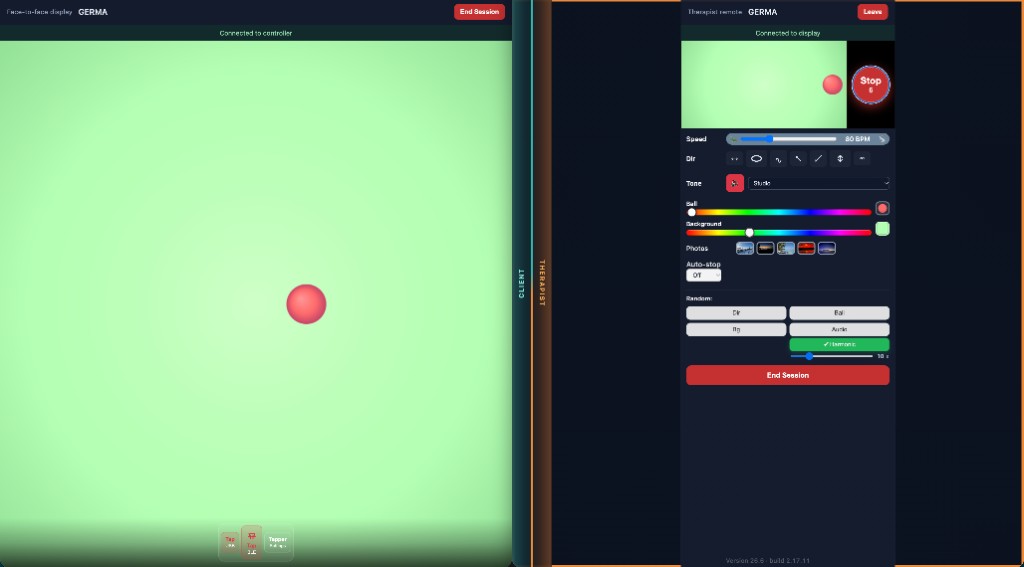
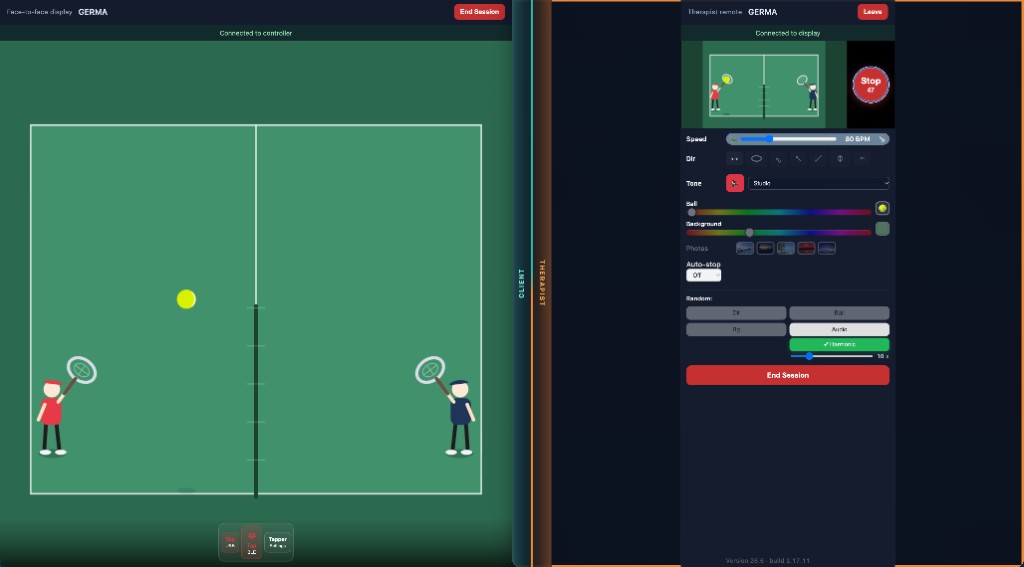
New features
Two ways to explore what’s new — play the latest animations here, or run Online or Face to face on one computer after you sign in.
Try the real session
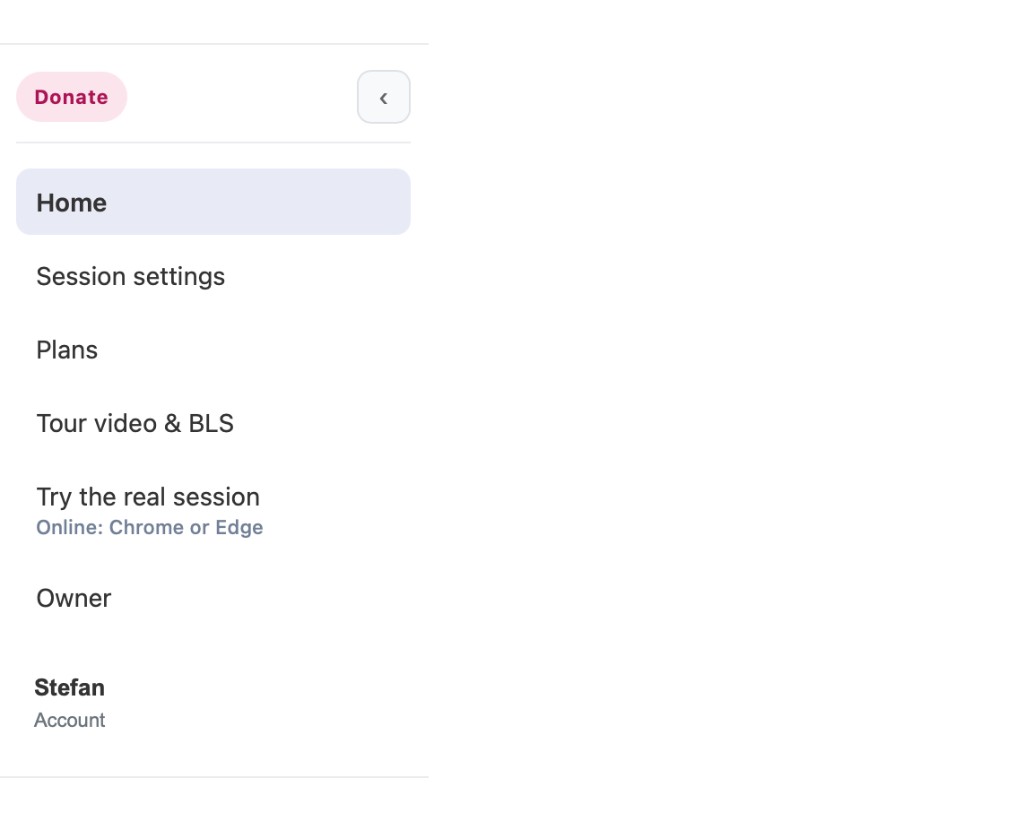
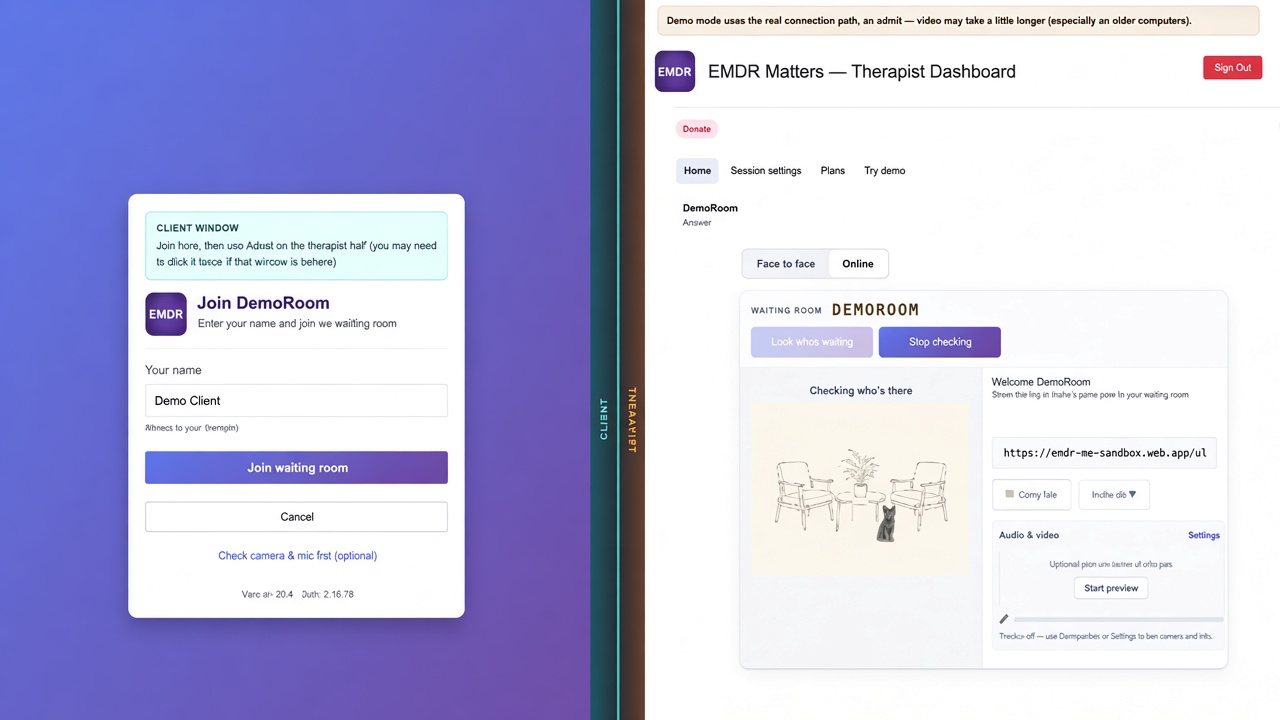
Sign in, pick Online or Face to face at the top of Home, then choose Try the real session in the left bar (under Tour video & BLS). You get two windows on one screen: client/display on the left, therapist on the right — real controls and BLS, no second device. Online needs Chrome or Edge; Face to face works in Safari too (no camera).
Online
Face to face
On one computer: the left half is the client animation screen; the right half is the therapist remote (the controller you normally hold on a phone).